| Tools Name: XTM |
| Version: v1 |
| File size: 16.83MB |
Developed by GSMXTEAM |
How to Install the XTM Tool Setup
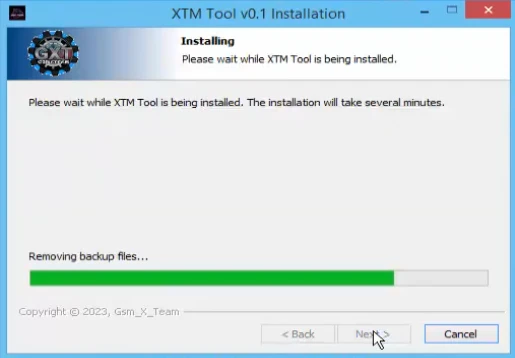
Here, we have explained step-by-step with images how you can install the setup on your Windows system:
- First, you need to download the XTM Tool Setup, the link for which is available here.
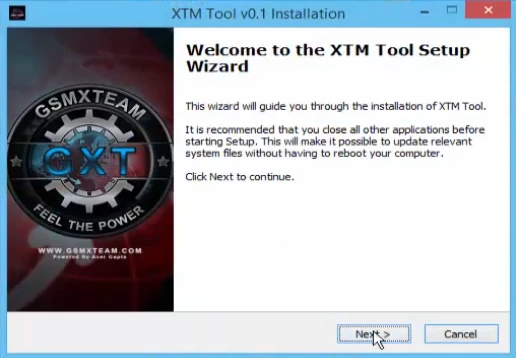
- Now, double-click on the setup file to start the installation process.
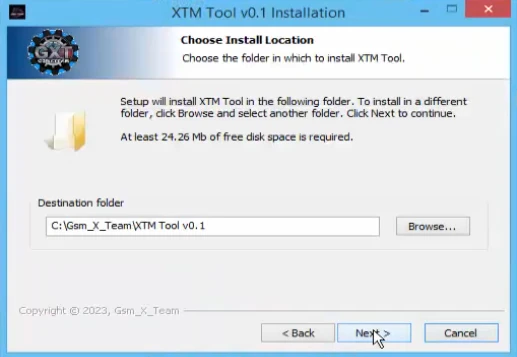
- Now, accept all the permissions it asks for and keep clicking Next.
- Your tool has now been successfully installed on your Windows system.